
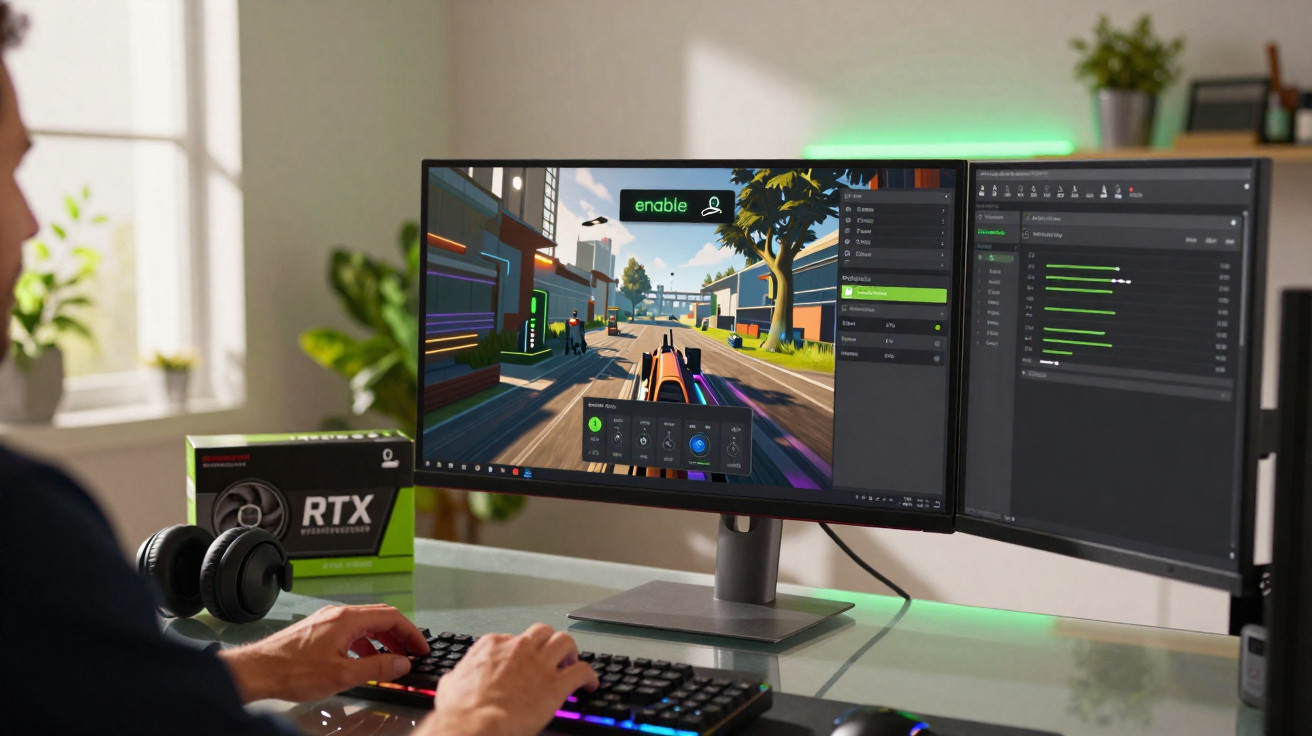
DLSS 4.5 is now being introduced across Nvidia’s ecosystem, aiming to deliver cleaner graphics and faster frame rates, including on older GeForce RTX GPUs, provided you understand how to enable it and recognise its limitations.
What DLSS 4.5 actually changes
DLSS, or Deep Learning Super Sampling, has become one of Nvidia’s principal tools for increasing resolution without placing overwhelming demands on your GPU.
Rather than producing each frame at the display’s full native resolution, a game renders at a lower resolution before an AI model on the RTX card’s Tensor cores reconstructs the image.
DLSS 4.5 focuses less on raw speed gains and more on cleaning up the image: tighter edges, steadier details, and smoother motion.
For version 4.5, Nvidia has adopted a newer and more accurate AI model.
The emphasis is on improved reconstruction, rather than a substantial jump in performance.
You can expect less shimmer in fine detail, clearer edges around objects and characters, and fewer visual artefacts when the camera moves quickly.
Which RTX cards can use DLSS 4.5?
The key detail is that DLSS 4.5 is not exclusive to Nvidia’s newest GPU generation.
Nvidia has made it available across multiple RTX families, including the original ray-tracing range.
- GeForce RTX 20 series (Turing)
- GeForce RTX 30 series (Ampere)
- GeForce RTX 40 series (Ada Lovelace)
- GeForce RTX 50 series and newer when they arrive
Any GeForce RTX card, from the 20 series onwards, can access DLSS 4.5, but not every GPU handles it with the same ease.
DLSS 4.5 relies extensively on FP8 (8-bit floating point) calculations, which newer GPU architectures process much more efficiently.
RTX 40 cards and forthcoming 50-series GPUs offer strong FP8 support, allowing DLSS 4.5 to run at high quality with relatively limited overhead.
FP8 workloads are less efficient on older RTX 20 and RTX 30 cards, however, so activating every advanced setting may cause a noticeable reduction in performance.
What this means for older RTX 20 and 30 cards
Owners of an RTX 2060, 2070, 2080, or any RTX 30-series GPU can still use DLSS 4.5, although expectations should be realistic.
Selecting the latest model preset can enhance image quality, but it may also cost several frames per second, particularly at higher resolutions.
On these GPUs, it makes more sense to test DLSS 4.5 than to switch it on automatically in the most demanding games.
How to enable DLSS 4.5 in Nvidia’s software
DLSS 4.5 is managed through the updated Nvidia App, which is gradually taking over from the older GeForce Experience and Control Panel pairing.
Support launched on 13 January 2026 alongside new GeForce drivers.
Before touching game settings, update your Nvidia drivers and the Nvidia App; DLSS 4.5 lives in those new components.
Step-by-step configuration in Nvidia App
After updating your system, enable DLSS 4.5 globally so compatible games can use Nvidia’s newest AI model.
- Launch the Nvidia App on your PC.
- Select Graphics (or Graphismes if the app is set to French).
- Open Global settings.
- Find DLSS override - Model presets.
- Choose Latest for every available entry.
This instructs the driver to apply the latest DLSS 4.5 model whenever a game requests DLSS.
DLSS must still be switched on within every supported game, but the driver-side configuration is then complete.
Using DLSS 4.5 inside your games
Most recent AAA games offer a DLSS option in their graphics settings, commonly alongside AMD FSR and Intel XeSS.
Once the Nvidia drivers and Nvidia App have been configured, all that remains is to enable the in-game option.
Typical DLSS modes and when to use them
Games with official DLSS support normally offer several presets.
| Mode | What it does | Best use case |
|---|---|---|
| Quality | Renders at a moderately reduced resolution while giving priority to image clarity. | 1440p or 4K on mid-to-high-end RTX cards with some performance headroom. |
| Balanced | Balances image clarity against performance. | Everyday use when you need a smoother frame rate without a major visual compromise. |
| Performance | Renders at a far lower resolution in pursuit of high FPS. | Extremely high resolutions or older RTX 20/30 cards that struggle at native 4K. |
With DLSS 4.5 running in the background, you keep using these familiar Quality / Balanced / Performance modes inside games.
After choosing a mode, DLSS 4.5 reconstructs every frame in the background using the game’s output and Nvidia’s latest AI model.
Nvidia says that more than 400 games and applications now support DLSS in some form, giving DLSS 4.5 broad scope from its first day.
Forcing DLSS 4.5 in unsupported titles
A more advanced option is also available for users prepared to experiment.
Nvidia permits DLSS 4.5 to be forced in certain games that do not officially advertise DLSS support, as long as the game engine can connect to the technology.
Not every game will accept a forced DLSS profile, but where the engine is compatible, DLSS 4.5 can be activated unofficially.
This adjustment is generally aimed at PC enthusiasts who are comfortable experimenting, benchmarking and, at times, editing configuration files.
Results can vary from completely smooth to unstable, so it is sensible to back up settings and test changes individually.
How DLSS 4.5 affects different gaming scenarios
With a high-end RTX 40 or 50-series GPU connected to a 4K monitor, DLSS 4.5 in Quality mode may produce a sharper image than native rendering in certain games, while also leaving more room for ray tracing and higher detail settings.
On a laptop RTX 3060 that is struggling at 1440p, DLSS 4.5 in Performance mode could raise frame rates into the 60–90 FPS range, although the reduction in visual quality will be easier to spot, especially in detailed foliage and distant geometry.
Competitive gamers using 240 Hz monitors may pair DLSS 4.5 in Performance mode with reduced overall graphics settings, favouring input responsiveness over visual polish.
Risks, trade-offs and when to hold back
AI upscaling invariably involves a compromise.
Although DLSS 4.5 improves edges and motion, some artefacts can still occur, particularly around particle effects, fine lines and rapidly moving objects.
For older RTX 20 and RTX 30 GPUs, FP8 use may mean the AI-processing workload begins to consume the performance gains you hoped to achieve.
If enabling DLSS 4.5 makes your game feel slower or less stable, dropping down a mode or switching back to an older DLSS preset remains a valid choice.
DLSS is implemented slightly differently in every game, meaning a setting that works well in one title may be unsuitable in another.
Brief benchmark runs, or simply playing several demanding scenes while monitoring frame rate and image quality, remain the most reliable approach.
Key terms worth understanding
Tensor cores: Dedicated hardware units within RTX GPUs, created to speed up AI and machine-learning workloads such as DLSS.
FP8: An 8-bit floating point format that enables AI models to operate more quickly and use less memory, while offering less precision than FP16 or FP32.
Upscaling: Rendering an image at a lower resolution before enlarging it for a higher-resolution display, ideally using intelligent reconstruction to retain detail.
Practical tips for getting the best from DLSS 4.5
If you have an RTX 20 or RTX 30 card, use the following approach in a demanding game:
- Begin with DLSS 4.5 enabled and select Quality in the game.
- Assess frame rate and motion clarity during a busy scene.
- If performance is insufficient, move down to Balanced rather than going straight to Performance.
- Compare screenshots or short video clips to decide whether the compromise is acceptable.
With a newer RTX 40 or RTX 50-series GPU, you can push ray tracing and resolution more aggressively while retaining DLSS 4.5 in Quality mode, using AI reconstruction to raise visual settings rather than merely pursue a higher frame rate.
With some careful testing, DLSS 4.5 can make many existing RTX cards considerably more versatile gaming machines, extending what they can achieve in the current generation of games.






Comments
No comments yet. Be the first to comment!
Leave a Comment